
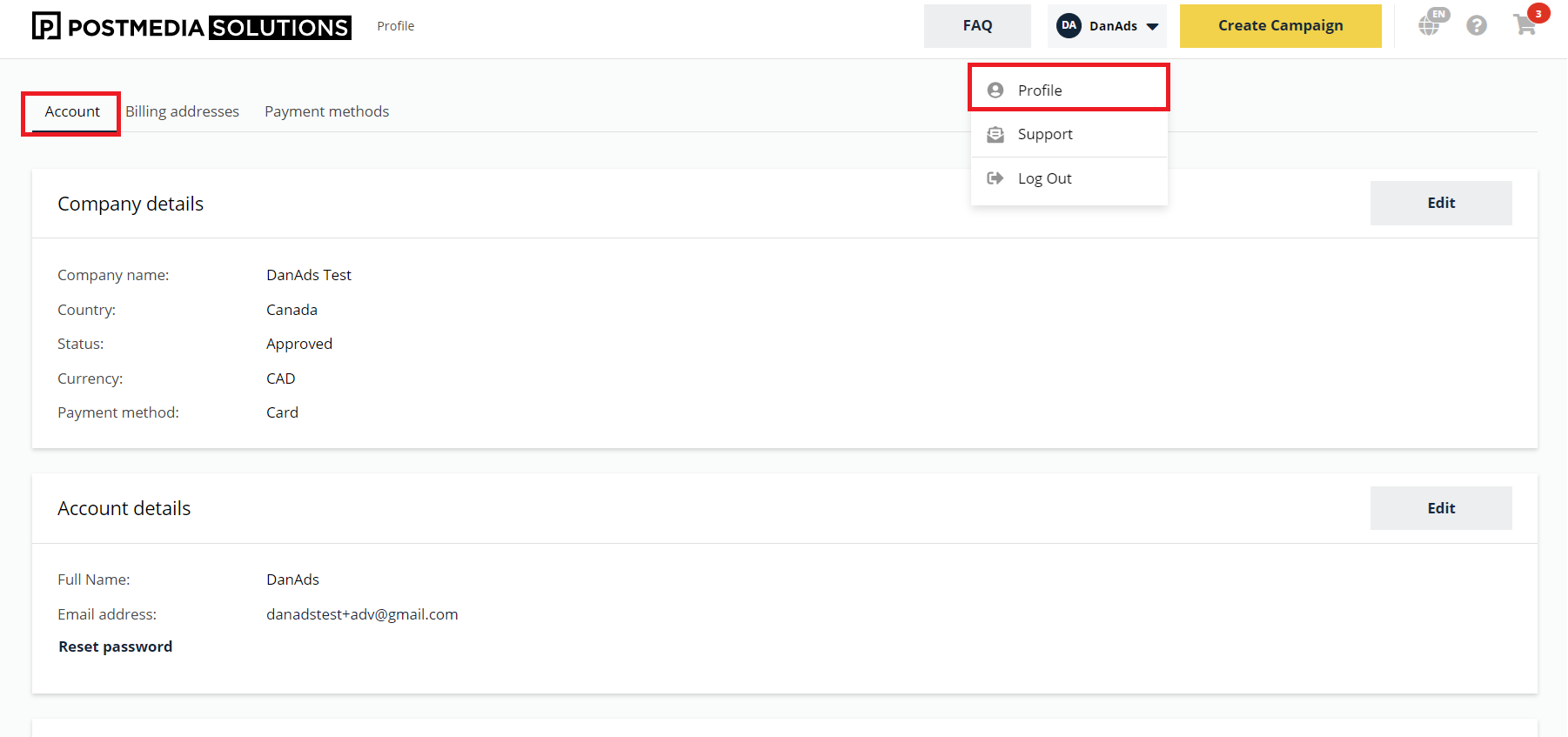
You manage your details and account information under the Account icon > Profile > Account.
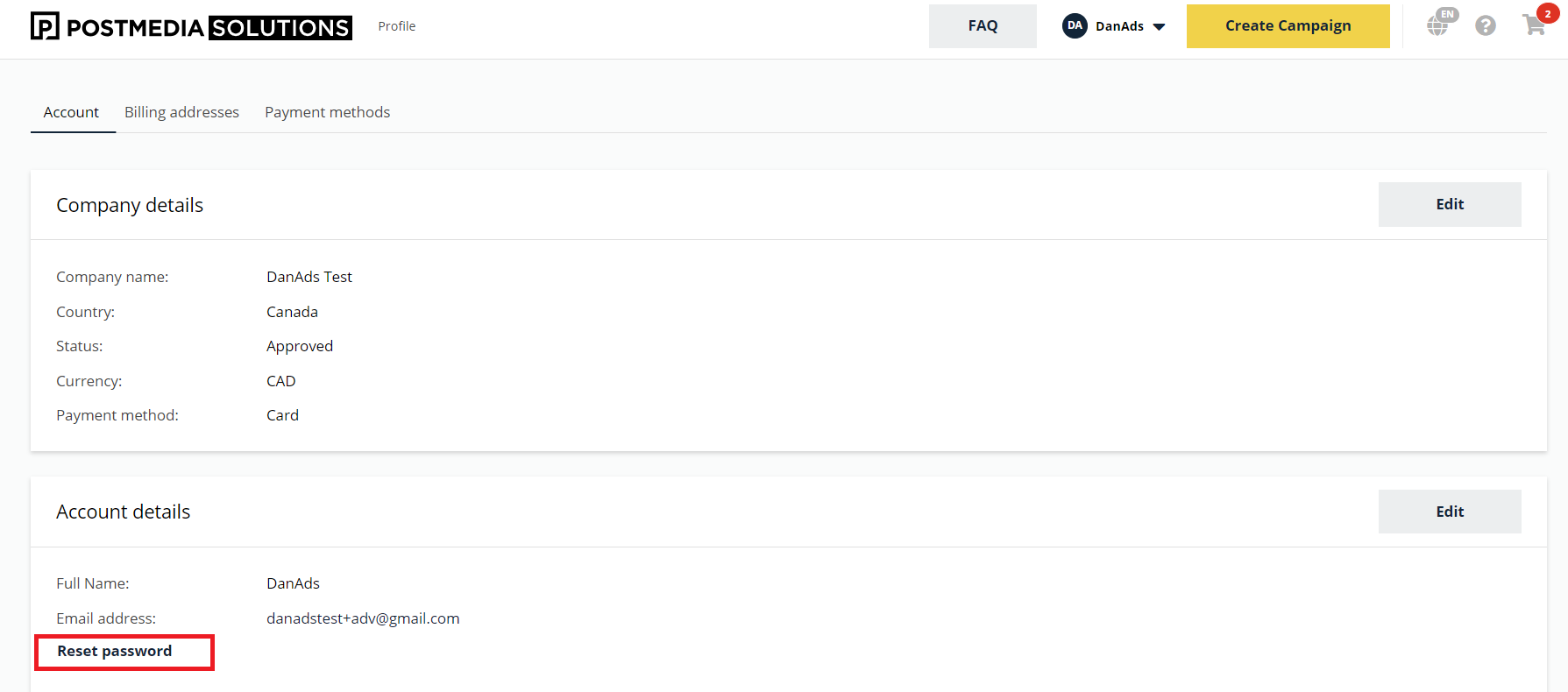
To change your password, select Reset password.
Billing information
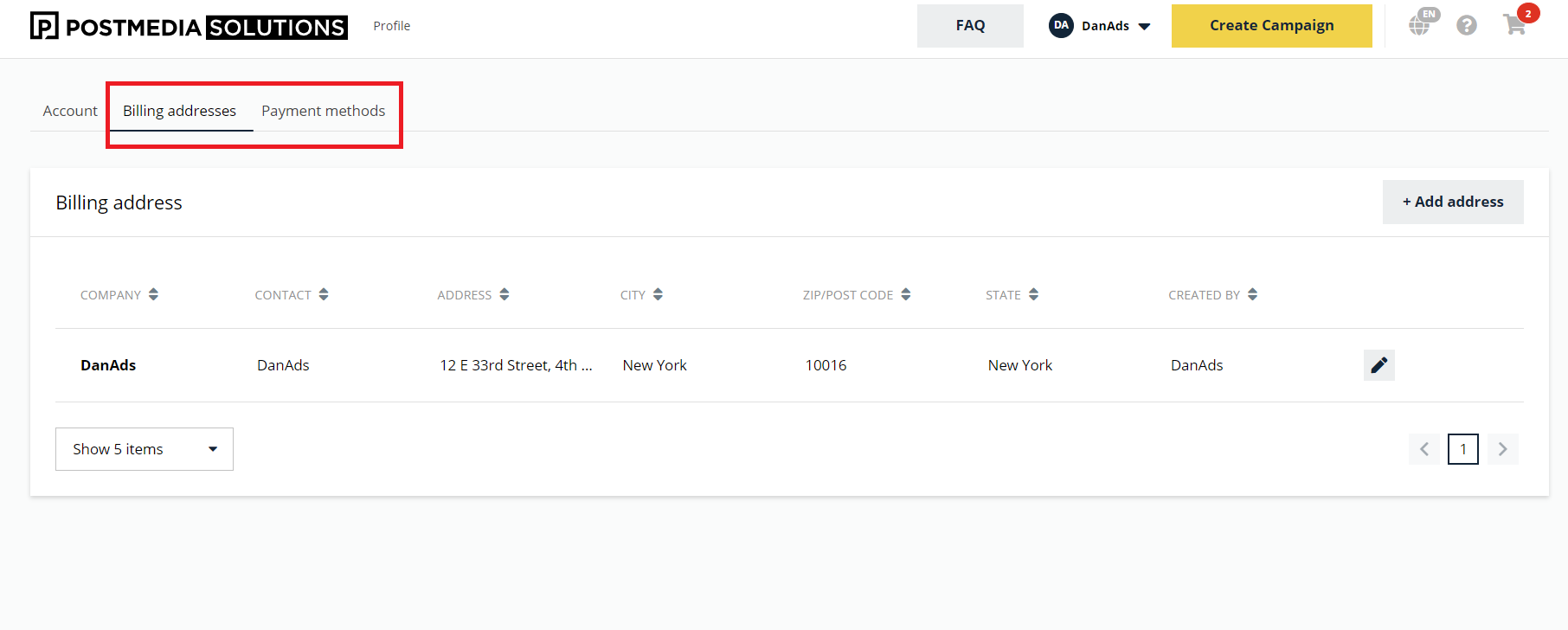
You will find your billing details and stored payment methods under Billing addresses and Payment methods.
Edit Billing details
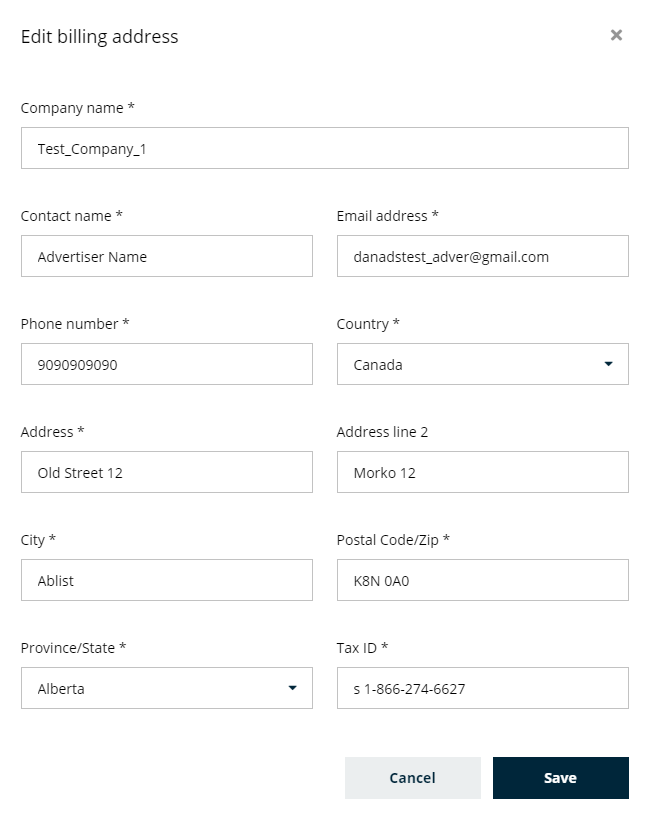
To edit your billing information select a Billing address > Edit.
Payment methods
Add/Remove a credit card
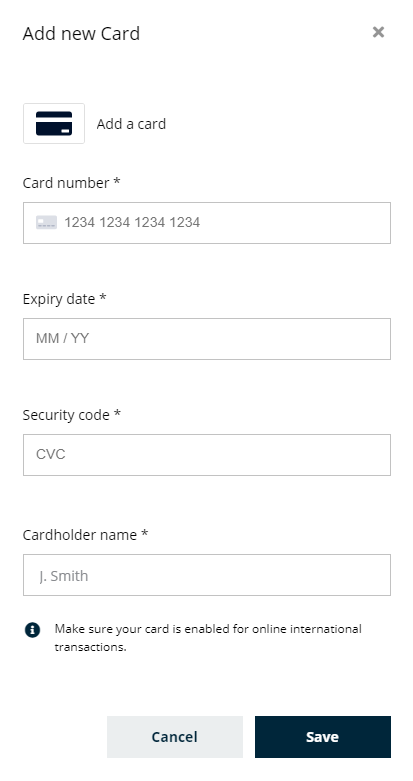
To add a credit card select Payment methods > + Add card.
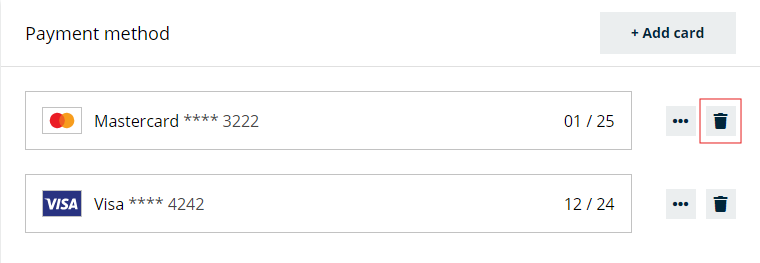
To remove a card, click the Trash icon.
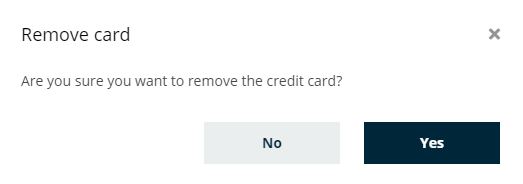
The removal of a credit card is permanent and cannot be undone.