Building Your Own Creative
Follow these easy steps to build your own creative using creative templates.
|
Step
|
Action
|
|
1
|
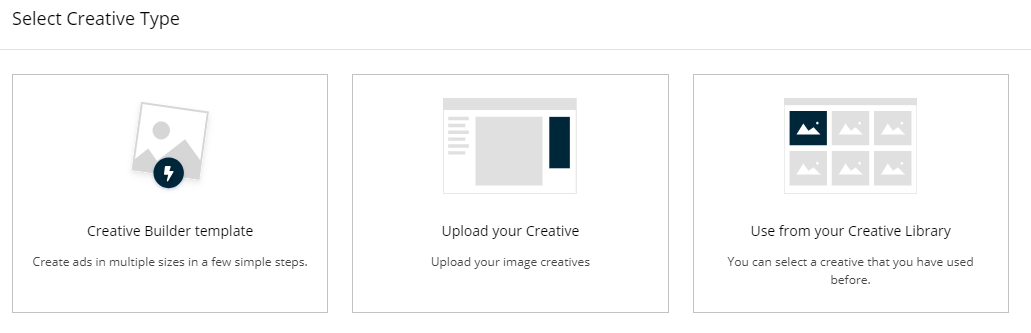
Click on ‘Creative Builder template’.
|
|
2
|
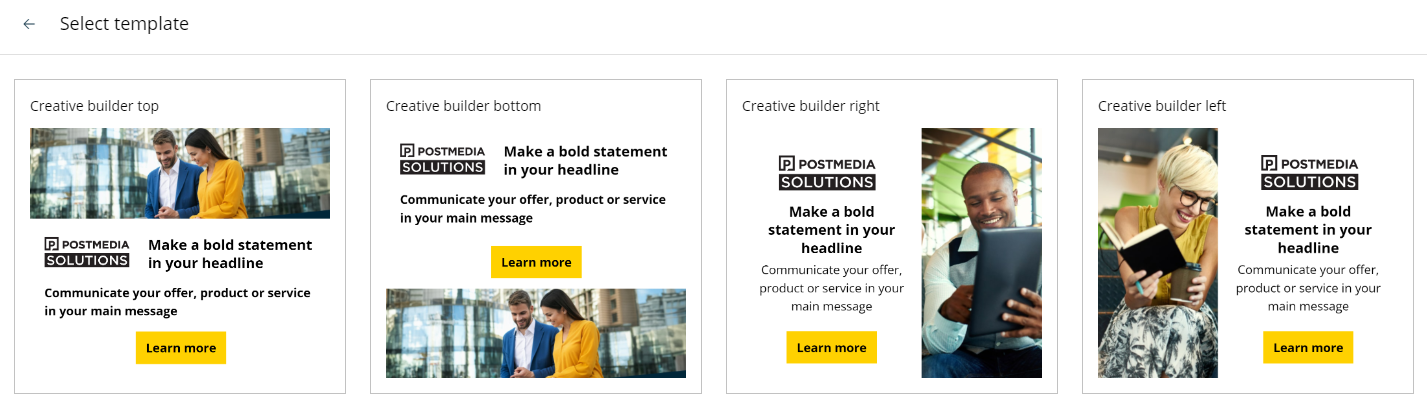
Select the template that you would like to create.
-
Creative builder left
-
Creative builder right
-
Creative builder bottom
-
Creative builder top
|
|
3
|
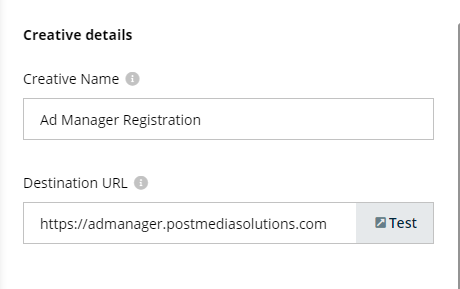
Creative details:
-
Under ‘Creative Name’, enter the label that you’d like to give the creative file you’re creating. This name will appear in your creative library.
-
Enter your URL in the ‘Destination URL’ field. Click on ‘Test’ to ensure you’ve entered the correct URL.
|
|
4
|
Third party tracking settings:
|
|
5
|
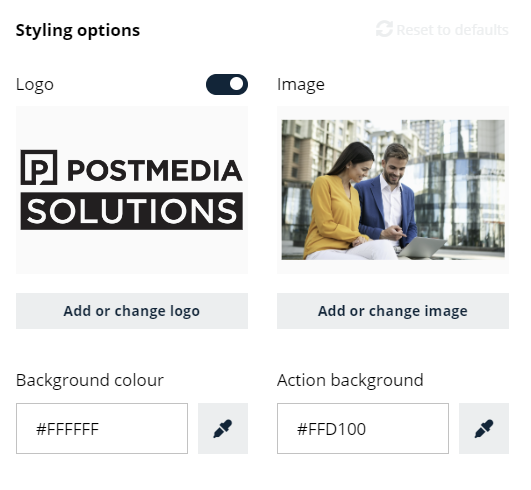
Styling options:
Logo
-
Upload your business logo here.
-
Acceptable file types: JPG, JPEG, PNG or GIF
-
Maximum file size: 2MB
-
If you do not wish to include a logo, click the slider button to un-select this element.
Main image
-
Upload an image you’d like to use for your advertisement here.
-
Acceptable file types: JPG, JPEG, PNG or GIF
-
Maximum file size: 2MB
|
|
6
|
The next field is your font selection. It will default to ‘Open Sans’ but you can click on the drop down menu to make another choice if you prefer.
|
|
7
|
Title:
-
Enter your headline copy here.
-
This is where you can catch your audience’s attention so including copy that attracts your audience is recommended.
-
Change the font style with the icons above the text box. You can bold, italicize, or change the colour of the text.
-
If you do not wish to include this element in your creative, click the slider button to un-select it.
|
|
8
|
Message:
-
Enter your body copy here.
-
This is the section where you add the key message that you want to communicate with your audience and draw their attention to your business.
-
Change the font style with the icons above the text box. You can bold, italicize, or change the colour of the text.
-
If you do not wish to include this element in your creative, click the slider button to un-select it.
|
|
9
|
Action:
-
Enter your call to action here.
-
Consider what do you want your client to do? What action do you want them to take? Do you want them to learn more? Register today? Discover more about your business? This is where you can draw the audience to take action.
-
Change the font style with the icons above the text box. You can bold, italicize, or change the colour of the text.
-
If you do not wish to include this element in your creative, click the slider button to un-select it.
|
|
10
|
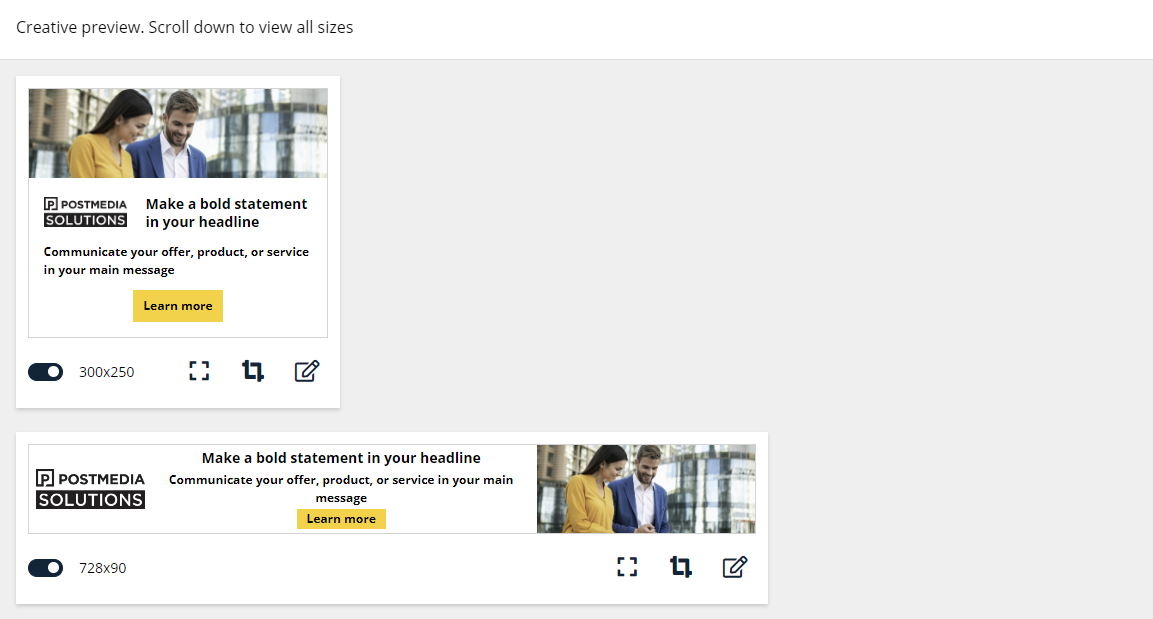
Creative preview
|
|
11
|
Once you’ve completed all of the desired elements, click on ‘Complete’.
|